
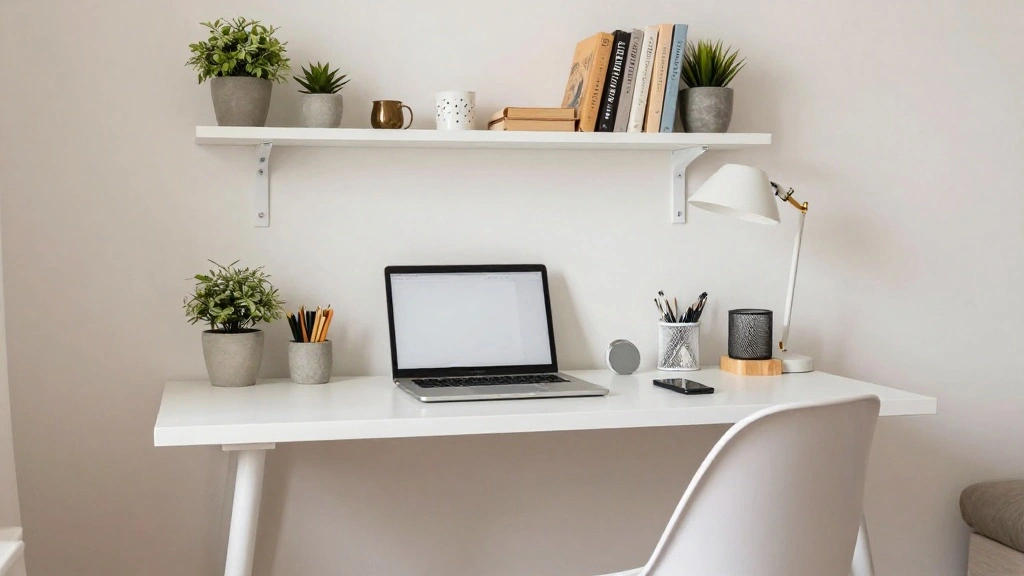
Finding space for a home office in a small apartment can feel overwhelming, especially with the need for a dedicated workspace in today’s remote work environment. Without proper organization, your productivity can suffer, and your living area can feel cluttered and chaotic.
This guide will help you create an efficient and stylish home office setup in your small space. By the end of this article, you will have a functional workstation that meets your needs without sacrificing your living area. We’ll cover essential furniture, organization techniques, and tips for maximizing your space.
You will learn how to choose the right location, select suitable furniture, and optimize your setup for productivity. This guide is designed for beginner home office enthusiasts and will take approximately 2-3 hours to complete. Let’s dive in!
TL;DR Summary
- Identify the best location for your home office.
- Choose space-saving furniture to maximize your area.
- Organize essentials efficiently to boost productivity.
- Personalize your workspace to create a motivating atmosphere.
TL;DR Summary
Editor’s Choice

NEO CHAIR Office Desk Gaming Ergonomic Computer Chair with Lumbar Back S…

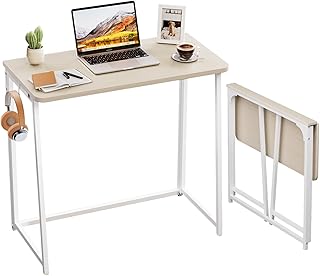
WOHOMO Folding Desk, Small Foldable Desk 31.5″ for Small Spaces, Space S…

4 Piece Kitchen Cabinet Door Storage Box,Self Adhesive Wall Mounted Stor…
Prerequisites/Materials Needed
- Furniture:
- Compact desk or folding table
- Comfortable chair
- Office Supplies:
- Computer/laptop
- Notebooks and pens
- File organizer
- Decor:
- Wall art or plants
- Desk lamp
Skill Level & Time Estimate
Skill Level: beginner
Total time estimate: 2-3 hours
Here’s a breakdown of the time:
- Choosing location: 30 minutes
- Shopping for furniture: 1 hour
- Setting up your office: 1 hour
- Personalizing your workspace: 30 minutes
Skill Level & Time Estimate
Editor’s Choice

DUMOS 31 Inch Small Computer Desk for Home Office, Gaming Writing Desks …
Step 1: Choose the Right Location
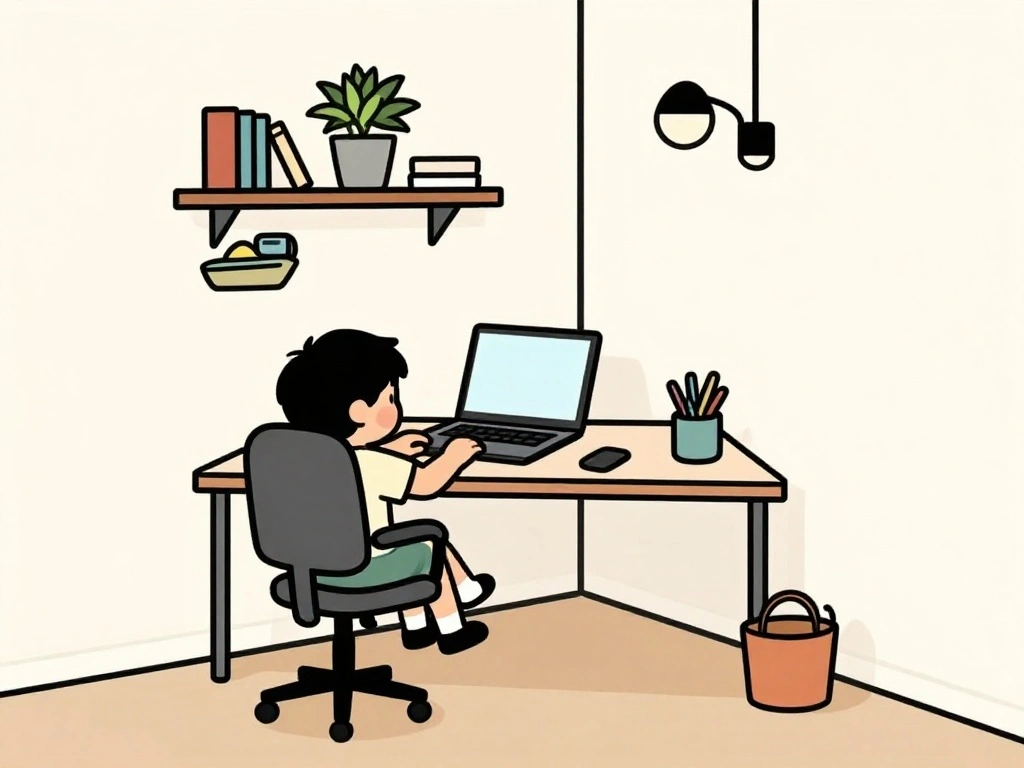
Selecting the ideal location for your home office is crucial. Follow these steps:
- Evaluate your apartment layout and identify potential spots.
- Consider natural light and privacy. A corner near a window is ideal.
- Avoid high-traffic areas to minimize distractions.
Pro Tip: If possible, choose a spot that you can close off from the rest of your living space.
Why this matters: A dedicated location helps you mentally separate work from home life, boosting productivity.
Time estimate: 30 minutes.
Step 2: Select Space-Saving Furniture
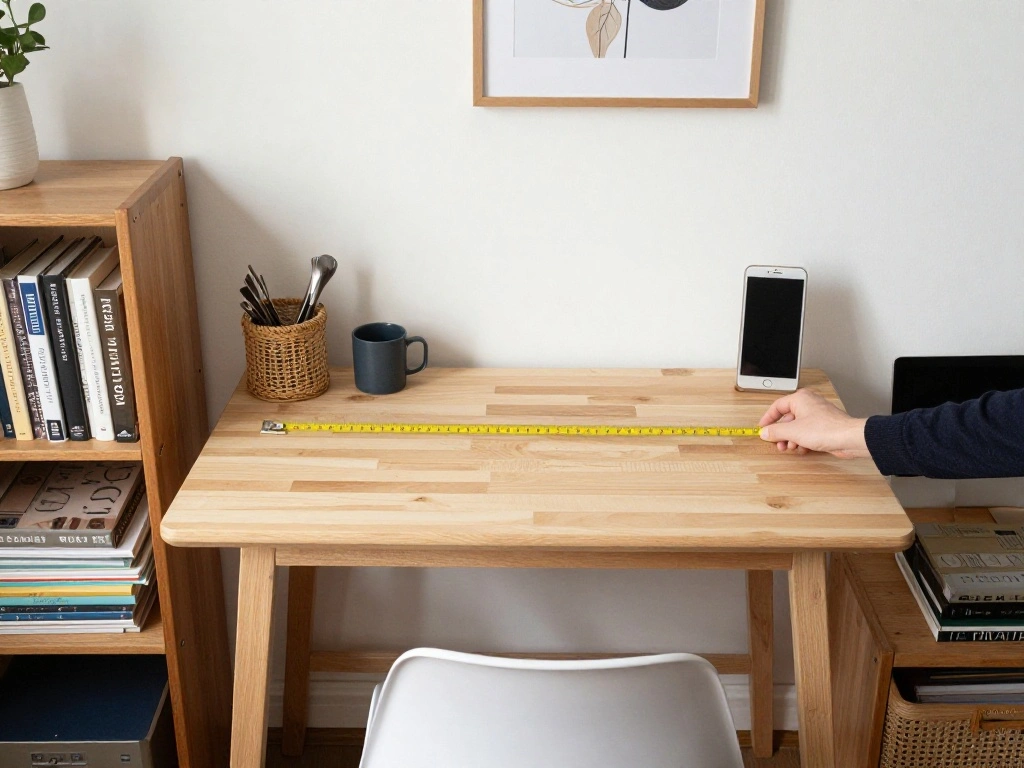
Choosing the right furniture is essential in a small apartment. Here’s how to do it:
- Measure your available space to determine the maximum size for your desk and chair.
- Look for a compact desk or a wall-mounted option that can fold down when not in use.
- Choose a chair that provides comfort without taking up too much room.
Warning: Avoid oversized furniture that can overwhelm your space.
Why this matters: Space-saving furniture maximizes your area and maintains a functional environment.
Time estimate: 1 hour.
Step 2: Select Space-Saving Furniture
Editor’s Choice
NEO CHAIR Office Desk Gaming Ergonomic Computer Chair with Lumbar Back S…
Step 3: Organize Your Office Supplies
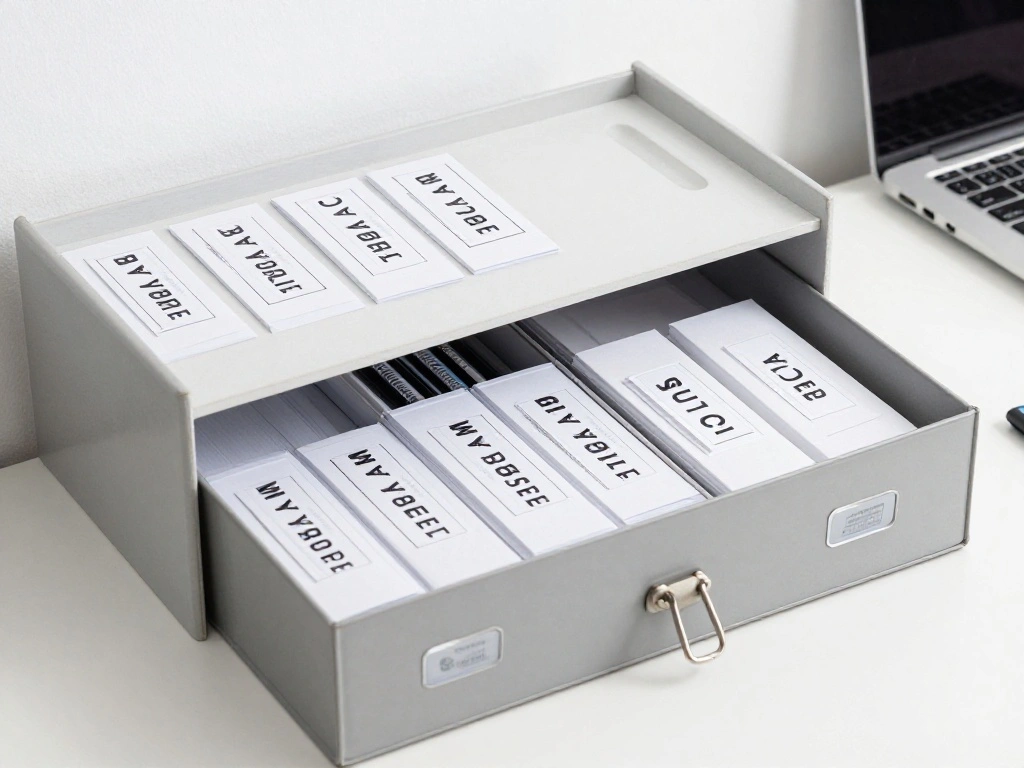
Efficient organization will keep your workspace clutter-free. Follow these steps:
- Gather all office supplies and categorize them (e.g., writing tools, papers).
- Use a file organizer to keep documents sorted.
- Consider vertical storage options like shelves or wall-mounted organizers.
Pro Tip: Use decorative boxes to store supplies while maintaining a stylish look.
Why this matters: Organized supplies help enhance focus and reduce time spent searching for items.
Time estimate: 45 minutes.
Step 3: Organize Your Office Supplies
Editor’s Choice

SKYDUE Expanding File Organizer with 8 Pockets, Accordion File Folders w…

ZICOTO Decorative Storage Boxes with Lids – Set of 2 Beautiful Fluted Ph…
Step 4: Set Up Your Technology

Integrating your technology is a key step. Here’s how to set it up:
- Position your desk near a power outlet for easy access.
- Connect your computer and any other devices (printer, scanner).
- Organize cables using clips or sleeves to avoid tangling.
Warning: Ensure your setup is ergonomic to prevent strain.
Why this matters: A well-organized tech setup improves efficiency and comfort while working.
Time estimate: 30 minutes.
Step 4: Set Up Your Technology
Editor’s Choice

SOULWIT 50Pcs Self Adhesive Cable Management Clips, Cable Organizers Wir…

BestOffice | Ergonomic Office Chair | Mid-Back Swivel Desk Chair | Breat…

Power Strip Surge Protector – One Beat 6 Widely Outlets with 4 USB Ports…
Step 5: Personalize Your Workspace
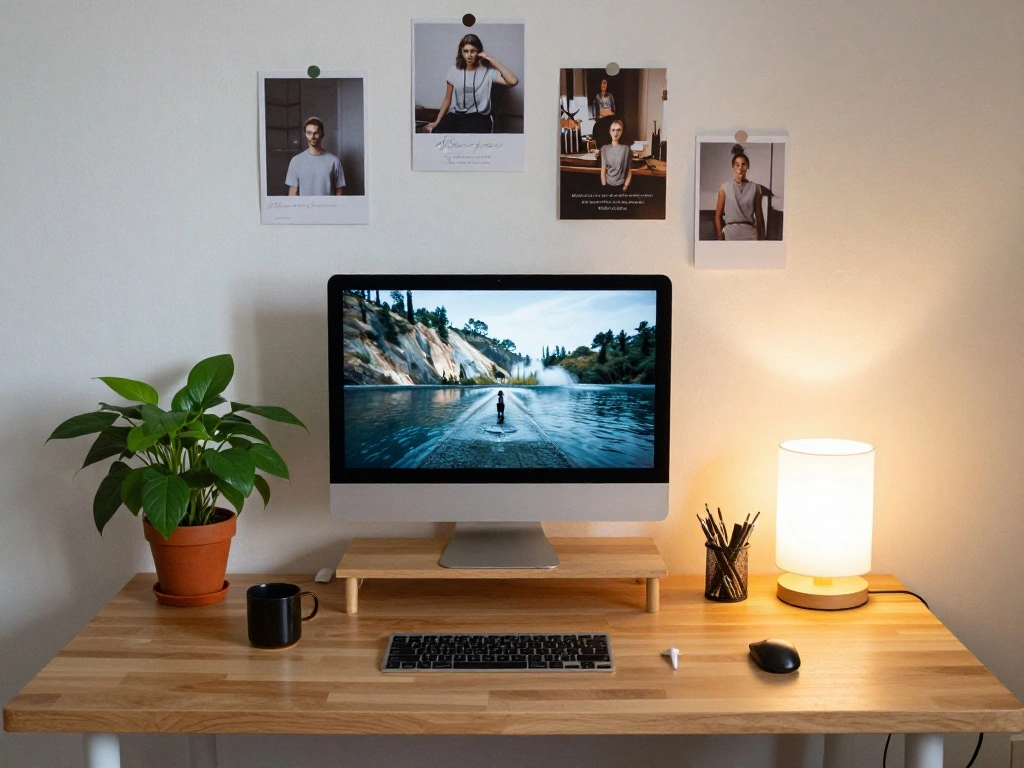
Adding personal touches can make your workspace inviting. Here’s how:
- Select a few pieces of decor, such as art or photos, to hang on the wall.
- Add a small plant or desk accessory that inspires you.
- Choose a desk lamp that complements your style and provides good lighting.
Pro Tip: Keep decor minimal to avoid distractions.
Why this matters: A personalized workspace boosts motivation and creates a pleasant atmosphere.
Time estimate: 30 minutes.
Step 5: Personalize Your Workspace
Editor’s Choice

Innqoo Tall Table Lamp with USB Port and Outlet, Dimmable Nightstand Bed…

16” Artificial Ficus Plant in White Textured Ceramic Pot Realistic Faux…
Step 6: Create a Routine
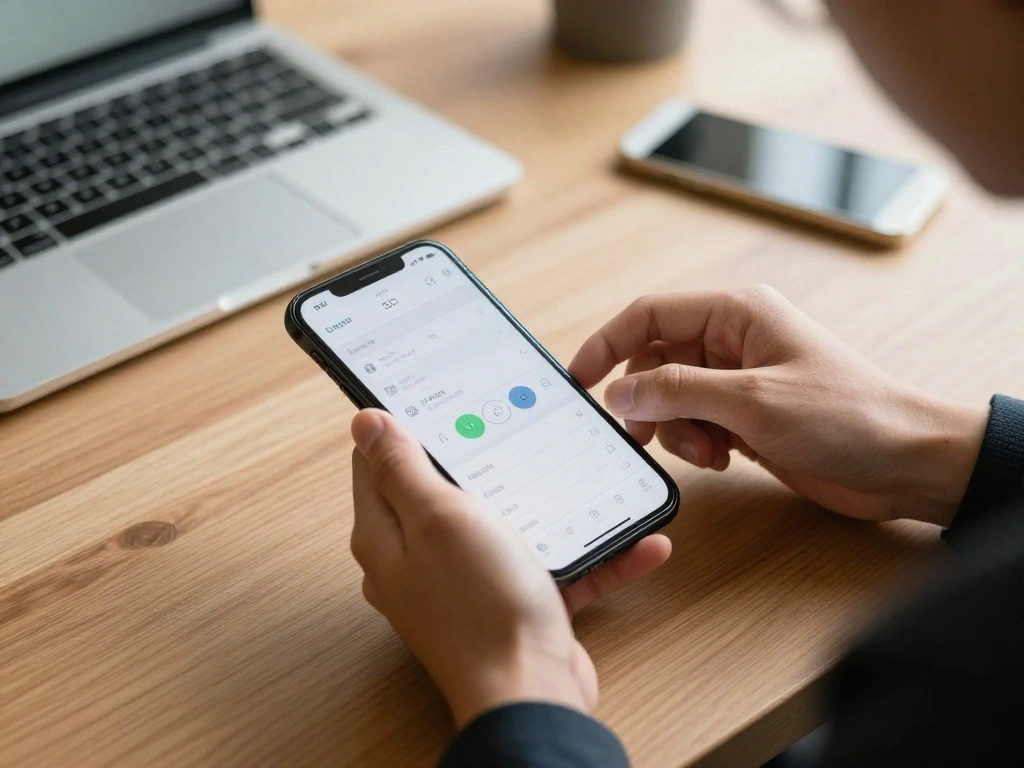
Establishing a work routine helps maintain productivity. Follow these steps:
- Set specific working hours to create boundaries.
- Designate a start and end ritual (e.g., coffee break, planning session).
- Take regular breaks to refresh your mind.
Pro Tip: Use a timer to keep track of focused work sessions and breaks.
Why this matters: A consistent routine helps you stay disciplined and engaged with your work.
Time estimate: 20 minutes.
Step 6: Create a Routine
Editor’s Choice

Rotating Pomodoro Timer 5, 25, 10 50 Minutes Preset, Desk Productivity F…
Step 7: Maintain Your Workspace
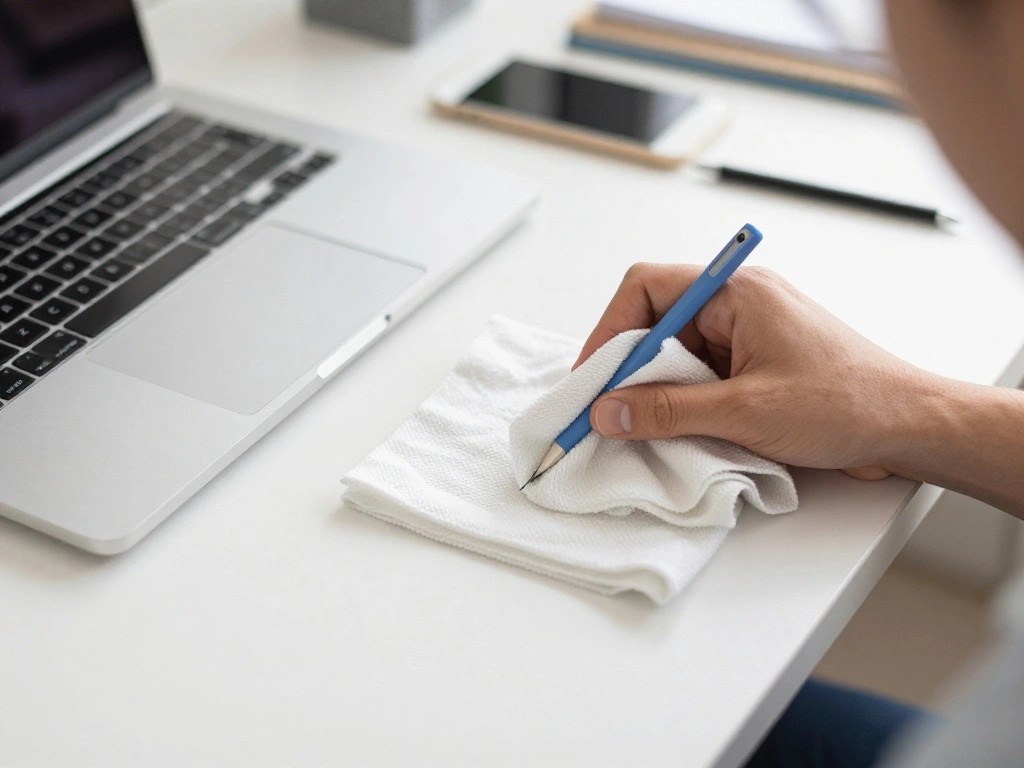
Keeping your workspace tidy is vital. Here’s how to maintain it:
- At the end of each day, declutter your desk by putting away unused items.
- Wipe down surfaces to keep everything clean.
- Review your supplies weekly to see what needs restocking.
Warning: Allowing clutter to build can hinder productivity.
Why this matters: A clean workspace promotes focus and reduces stress.
Time estimate: 15 minutes.
Step 7: Maintain Your Workspace
Editor’s Choice

HOMEXCEL Microfiber Cleaning Cloth 210GSM, Pack of 12, Size:11.5″ x 11.5…

WOWBOX 25 PCS Clear Plastic Drawer Organizer Set, 4 Sizes Desk Drawer Di…

WALI Desk File Organizer, 4 Tier Desktop Paper Letter Tray Organizer wit…
Step 8: Optimize for Comfort
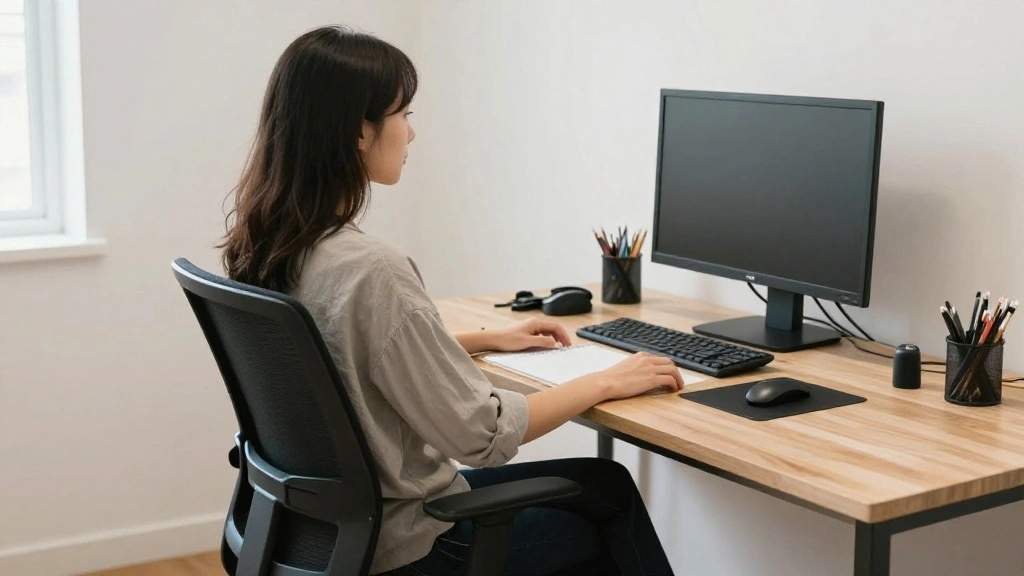
Creating a comfortable workspace is crucial for long hours. Here’s how:
- Adjust your chair height so your feet rest flat on the floor.
- Ensure your computer screen is at eye level to reduce strain.
- Add a cushion or footrest for additional comfort.
Pro Tip: Invest in an ergonomic chair for long-term comfort.
Why this matters: Comfort directly impacts your productivity and well-being.
Time estimate: 30 minutes.
Step 8: Optimize for Comfort
Editor’s Choice

CasaZenith Foot Rest, Six Heights Adjustable Foot Rest for Under Desk at…
Pro Tips
- Lighting Matters: Use natural light whenever possible to boost mood and productivity.
- Sound Control: Consider noise-canceling headphones if you live in a noisy area.
- Stay Flexible: Adapt your space as your needs change over time.
- Use Vertical Space: Utilize wall shelves to free up desk space.
- Stay Organized: Regularly declutter your workspace to maintain efficiency.
Pro Tips
Editor’s Choice
WALI Desk File Organizer, 4 Tier Desktop Paper Letter Tray Organizer wit…

Sony WH-CH720N Noise Canceling Wireless Headphones Bluetooth Over The Ea…
Common Mistakes to Avoid
Warning: Choosing the Wrong Location: Picking a noisy or distracting spot can hinder focus. Always aim for a quiet area.
Warning: Ignoring Ergonomics: Working without considering your posture can lead to discomfort. Invest in proper seating and desk height adjustments.
Warning: Overcrowding Your Space: Too much furniture or decor can create a cluttered environment. Keep it simple and functional.
Common Mistakes to Avoid
Editor’s Choice

Soundcore by Anker Q20i Hybrid Active Noise Cancelling Headphones, Wirel…
BestOffice | Ergonomic Office Chair | Mid-Back Swivel Desk Chair | Breat…
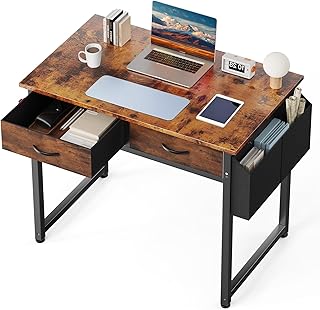
DUMOS 32″ Home Office Computer Desk with Drawers, Small Gaming Writing S…
Troubleshooting Section
Problem: My desk feels cramped.
Solution: Consider a wall-mounted desk or a corner desk to maximize space.
Problem: I can’t find my supplies.
Solution: Implement a filing system and label your storage containers.
Problem: My chair is uncomfortable.
Solution: Adjust the height or add cushions for better support.
Troubleshooting Section
Editor’s Choice

TEAMIX Wall Mounted Desk, White Folding Desk for Small Spaces Floating S…

150 Pcs Labels for Storage Bins, 6 X 4 Inch Removable Labels for Storage…
Variations/Alternative Methods
Option 1: Use a co-working space for a change of scenery when needed. This option is ideal for social interactions.
Option 2: Set up a mobile office with a portable desk if you need flexibility. This method is great for those who like to work in different spots around the apartment.
Option 3: Create a hybrid setup that combines a desk and a standing option for variety throughout your workday.
Variations/Alternative Methods
Editor’s Choice
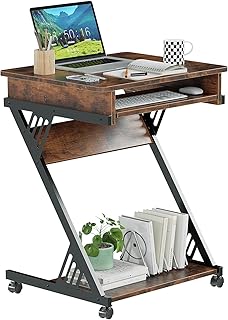
ALISENED Computer Desk for Small Spaces, 23.6″ Z-Shaped Compact Study Ta…

VERSADESK EvoLift 32″ Electric Standing Desk Converter, Sit to Stand Mot…

TRALT Office Chair Ergonomic Desk Chair, 330 LBS Home Mesh Office Desk C…
FAQs
What if I don’t have enough space for a desk? You can use a folding table or a wall-mounted desk to save space.
How long should I work before taking a break? Aim for 25-30 minutes of focused work followed by a 5-minute break.
Is it safe to use power strips in my office setup? Yes, but ensure they are not overloaded and are in good condition.
FAQs
Editor’s Choice

Power Strip, ALESTOR Surge Protector with 12 Outlets and 4 USB Ports, 6 …

HOMCOM Foldable Convertible Writing Table, Wall Mounted Space-Saving Com…
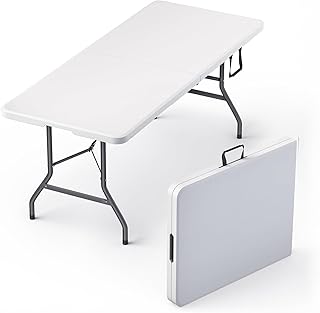
6 Feet Foldable Table with Built in Handle & Steel Legs | 6FT Heavy Duty…
Conclusion
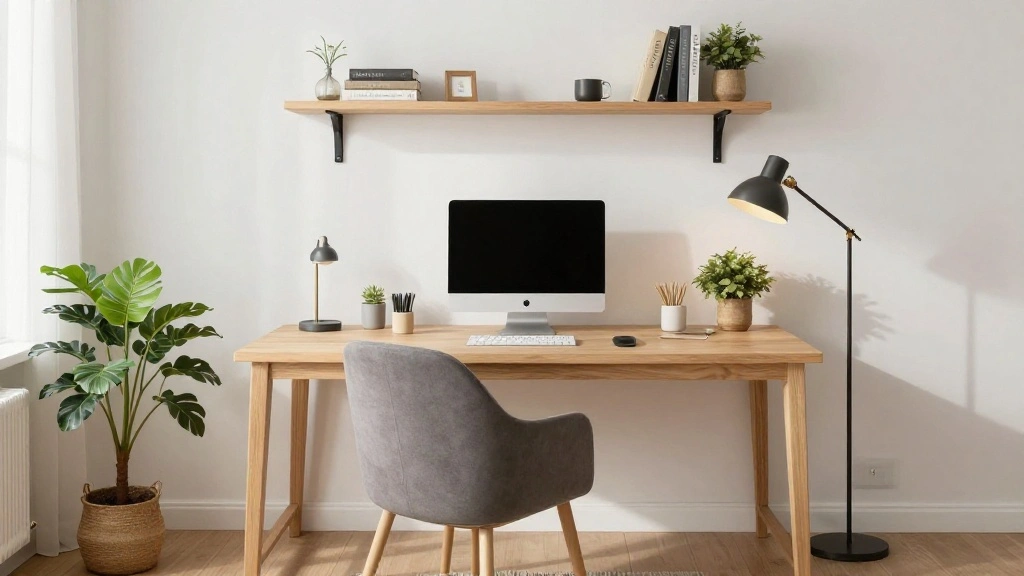
Congratulations! You’ve successfully set up your home office in a small apartment. By following these steps, you now have a dedicated workspace that enhances your productivity and fits your lifestyle.
Consider revisiting your setup regularly to make adjustments as your needs evolve. Explore additional resources on productivity and home office design to keep improving your workspace.